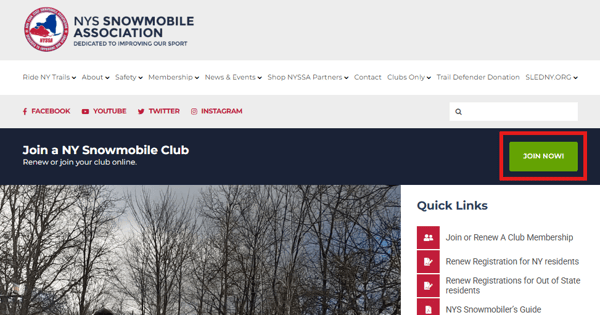
To find your club, you can start from the home page of the NYSSA website and click Join Now, or you can click here to get to the club search page.
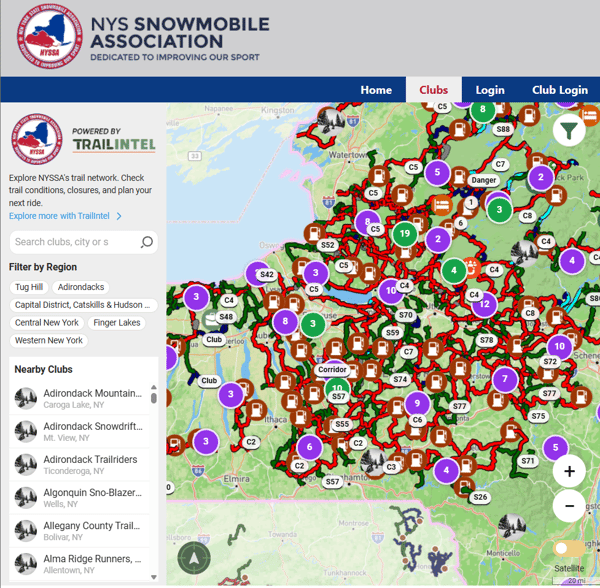
This page allows you to search by name, region, map, or scroll through them in alphabetical order. *Club officers can click Club Login from here to access the management suite
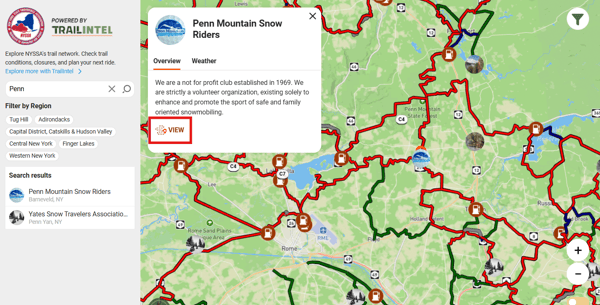
Once you have located your desired club, click View. This will bring you to the club profile in TrailIntel.
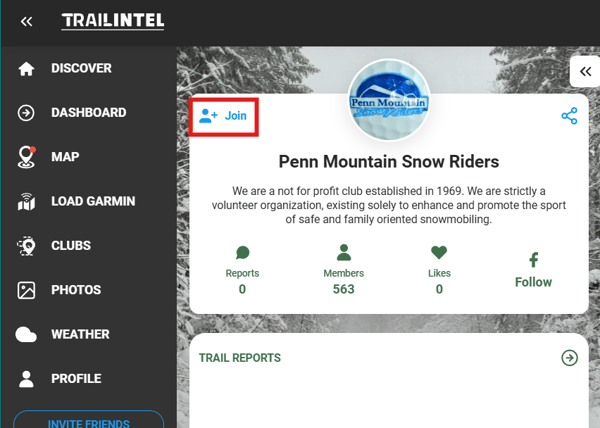
Click Join in the top left corner to proceed.
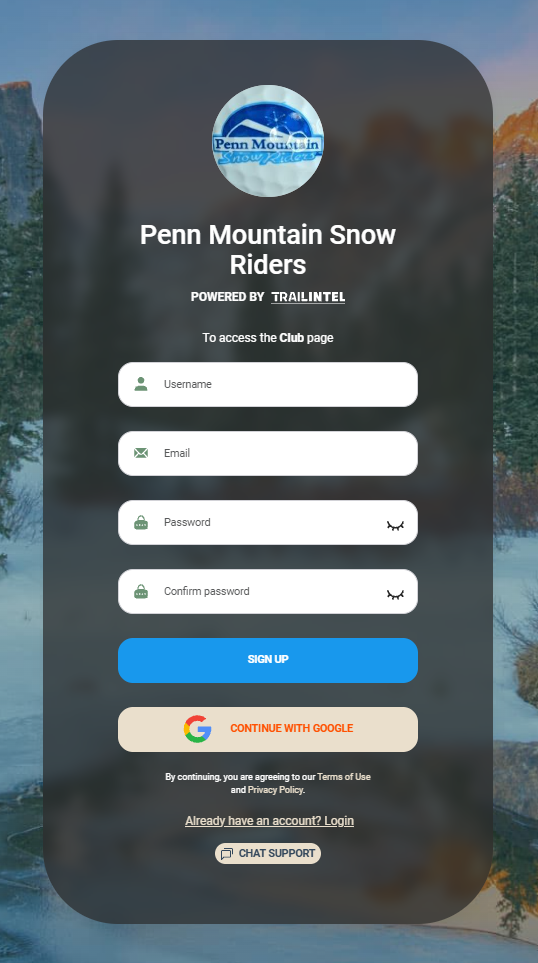
You will then be prompted to create a new account, link your Google account, or sign into your existing TrailIntel account. Be sure to use your full name as it appears on your legal ID to avoid issues with registration.
*Please note we no longer use the CAXXXX numbers as your login. Everything is now tied to your email. You will need to create an account if you have not yet done so - the login does not transfer from the previous platform
Once you are signed into an account, you will select your membership type. If Family is selected, you will enter your spouse and children's names before continuing.
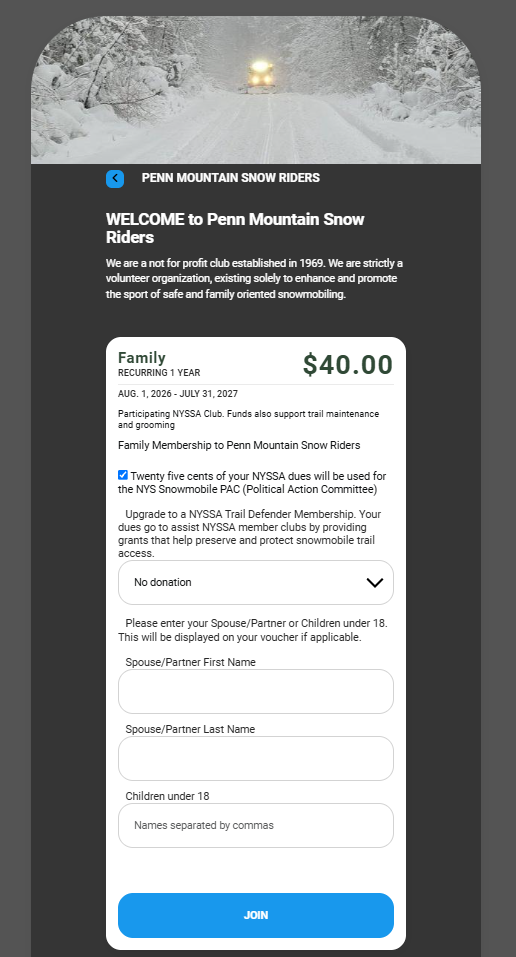
For both Family and Individual plans, you have the option to opt out of the NYS Snowmobile PAC or upgrade to a Trail Defender Membership.
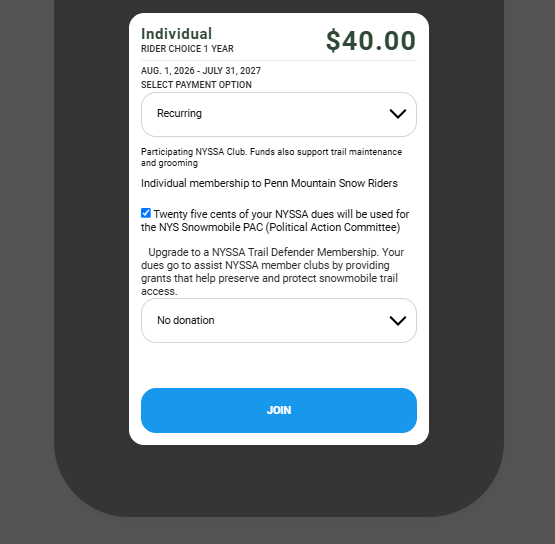
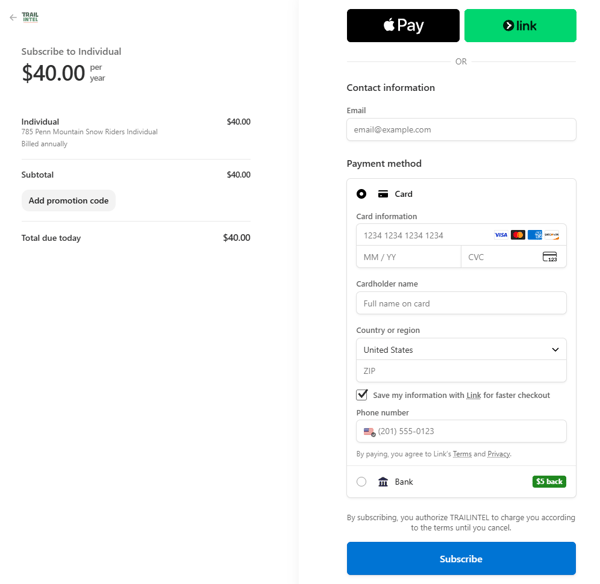
Once you click Join, you will be brought to the checkout page.
When you're in: the club will receive an email letting them know they have a new member, you will receive an email with your voucher, and the voucher will be downloadable at app.trailintel.com/profile
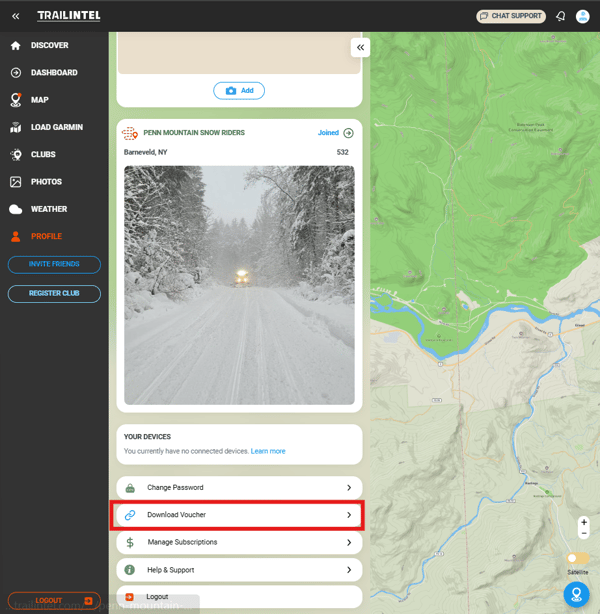
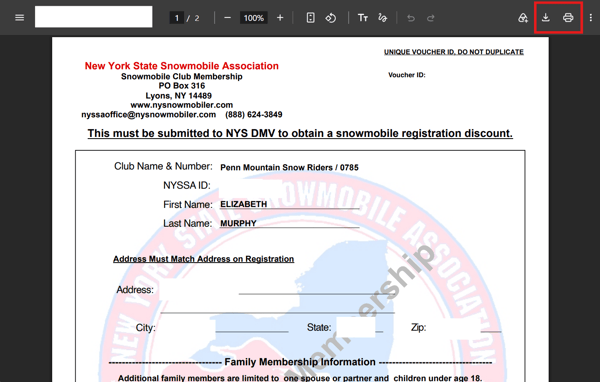
Clicking the Download Voucher link will open the PDF in a new window for you to save or print the PDF.