.png?width=800&height=160&name=Untitled%20(4).png)
You can navigate to a selected location on the map or a particular trail if you don't have a point of interest in mind, just by tapping on the location. Maybe you'd like to ride to a lake you can see on the background map, or to the trail up the mountain you can see in the topography.
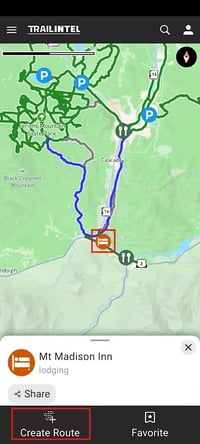
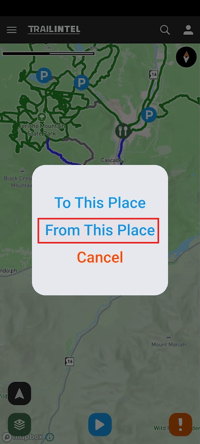
First, find your starting location on the map and tap it. In this case, a point of interest was selected as the starting location. From the card, click "Create Route", then "From This Place"
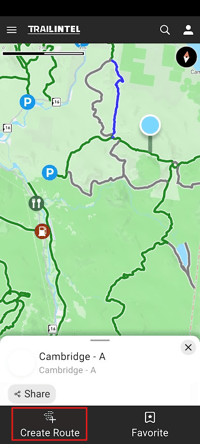
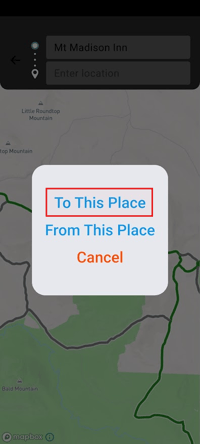
Now, browse the map and find where you would like to ride! Once you've found a destination, click it on the map to open up the card for that pinpoint. Click "Create Route", then "To This Place".
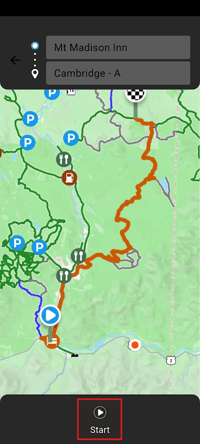
Now your route will display on the map! Click the Start button to launch and begin navigation.