.png?width=800&height=160&name=Untitled%20(4).png)
While navigating with your Garmin GPS with the TrailIntel trail map loaded, you may be the first to encounter a new trail, temporary reroute, or other trail change before we do. You can report this to us so we can make our map as accurate as possible if you track your ride.
All Garmin GPS units have route tracking capability. Many units even auto-record and save a track each time you take a trip. Check out your owner’s manual for more guidance on how to set up route tracking.
Sending the data to us is easy! Simply connect the GPS to your computer and open up a file browser to access the files.
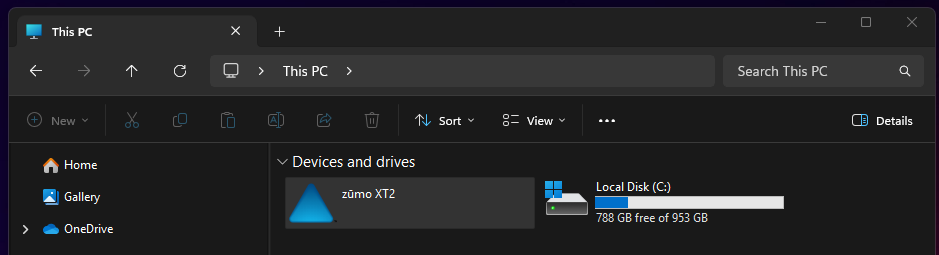
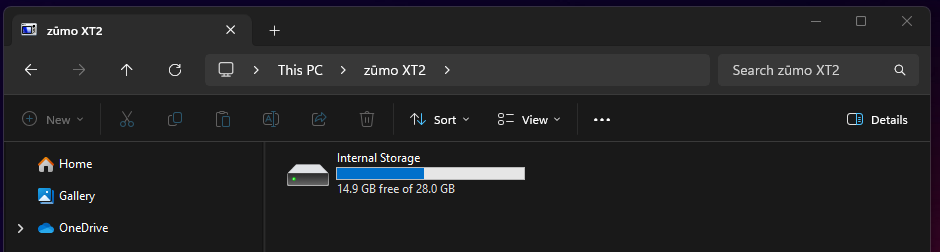
Find the Garmin, then go into the Internal Storage.
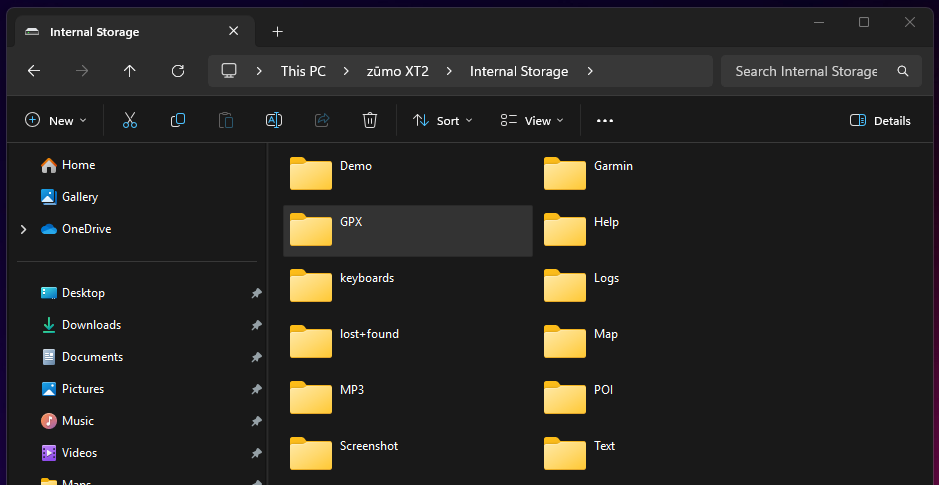
Then, look for the GPX folder. On some devices, mostly handheld style units, this may be called Activities.
In this folder you will see your track files, organized by date.
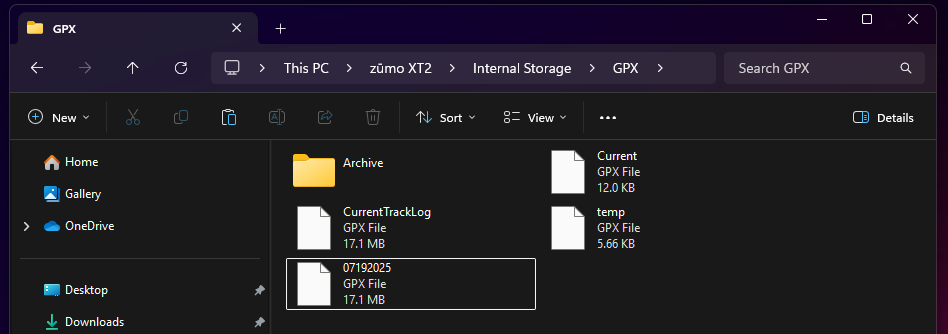
Locate the relevant track file and send it to us in an email to support@trailintel.com. Be sure to include any relevant information that will help us make the correct changes as well.