First, log into your club profile at app.trailintel.com/club/settings
This will bring up a menu of all club functions.
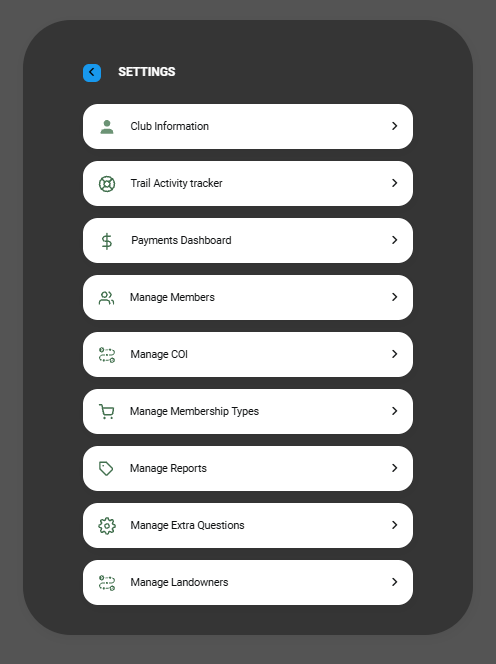
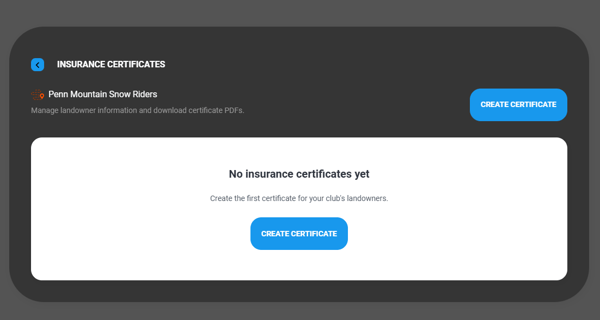
Select Manage COI from the list, then click Create Certificate
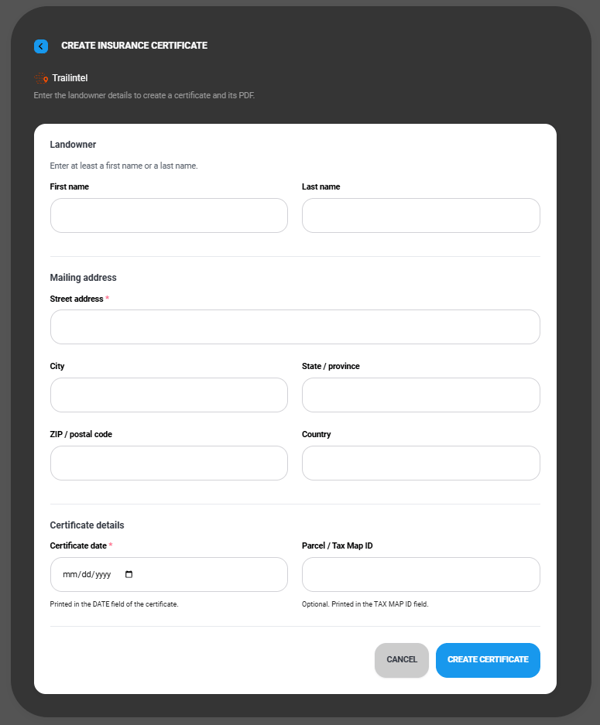
This will open a template for your landowner information. Fill out the details, then click Create Certificate
You will get an alert that the certificate and PDF were created, then be brought back into the meu to view all completed COI
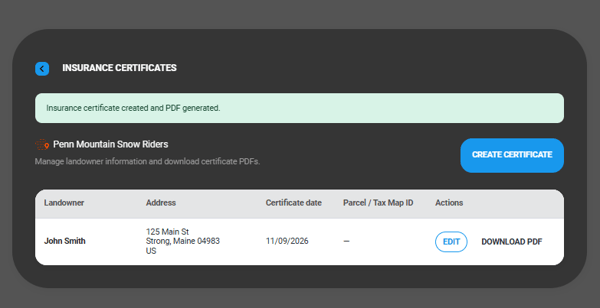
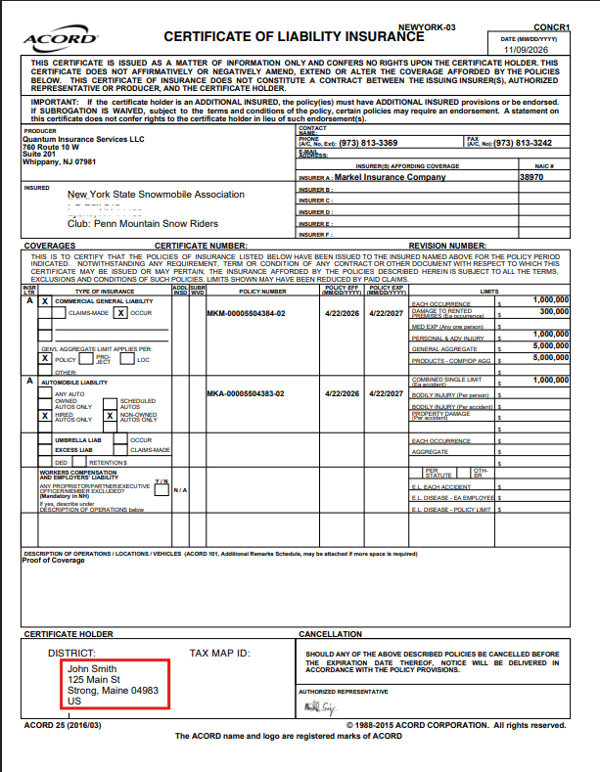
Click Download PDF to the right of the landowner's name to open the file to share, save, or print
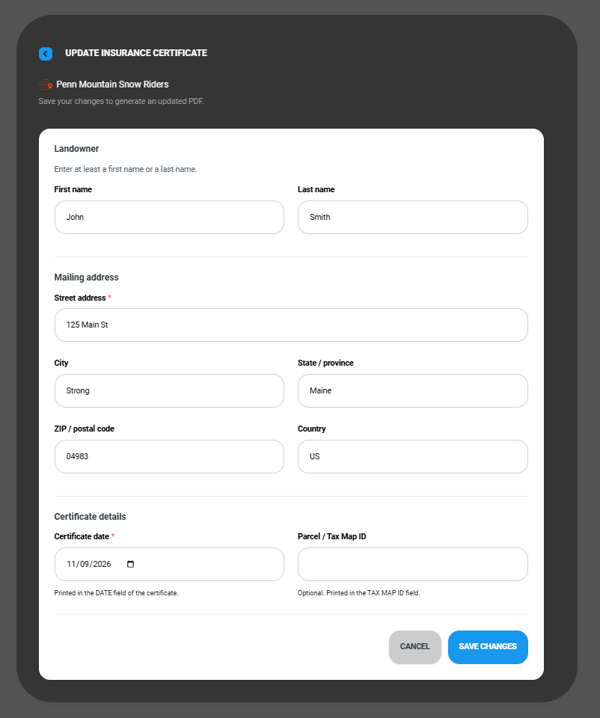
Should you need to change any information on the COI, simply click Edit, make your changes, then click Save Changes