.png?width=800&height=160&name=Untitled%20(4).png)
To prepare for optimal offline trail use, you should download a background map for your region when you have cell service or Wi-Fi before you make it to the trails.
Watch this video for an overview of the process, or follow the written directions below.
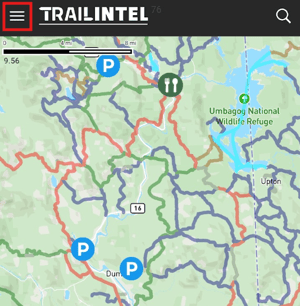
First, open the TrailIntel app and make sure you’re signed into your account with an active subscription. Then, click the menu button from the top left corner of the screen.

Select “Profile” from the menu that appears on the left.

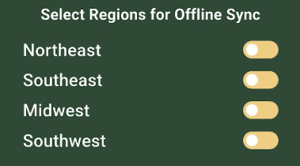
You will see a list of regions with toggle switches - you can turn any of these on to begin the map download process.
This will download the Standard background map option. The Satellite and Hybrid maps are online-only.
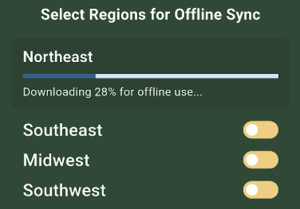
Please note the map file is quite large, and may take 3-5 minutes to complete.
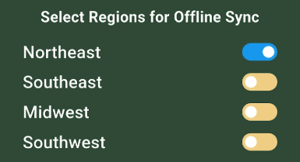
Once the switch turns blue, the map is fully downloaded.
Now you will be able to enjoy the background map in the TrailIntel app, even when you don't have cell service.