.png?width=800&height=160&name=Untitled%20(4).png)
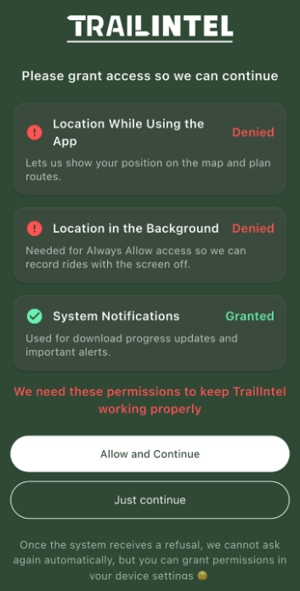
When setting up the TrailIntel app for the first time, it will run through some permission requests to optimize your experience and ensure functionality.
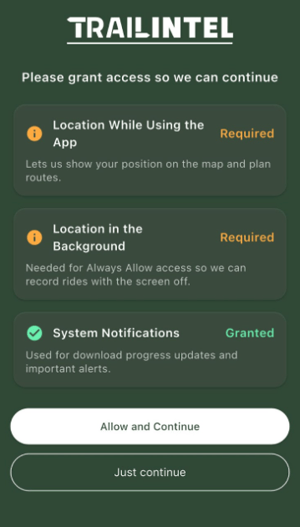
When these prompts appear on screen, click Allow and Continue to walk through your settings and allow these permissions.
Here’s why they’re needed:
- Location While Using The App - to pinpoint your location on the trails for navigation and breadcrumb tracking. *Android users, please allow precise location rather than approximate.
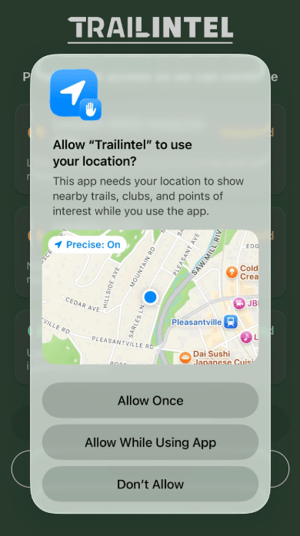
- Background Location Permissions - to pinpoint your location on the trails for navigation and breadcrumb tracking, even when the app is closed or your phone goes to sleep

- App Notifications - to send you notifications for map download progress, app updates, and important alerts
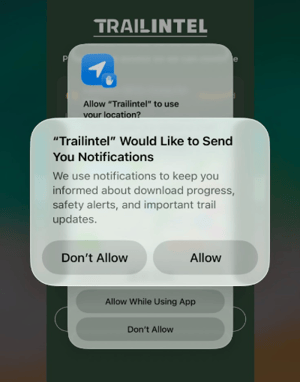
If you do not allow all of these permissions, the app will not work properly. The app cannot prompt you through these permissions again, however you can go through your phone’s settings and turn them on manually. Feel free to contact us if you need assistance with this.