.png?width=800&height=160&name=Untitled%20(4).png)
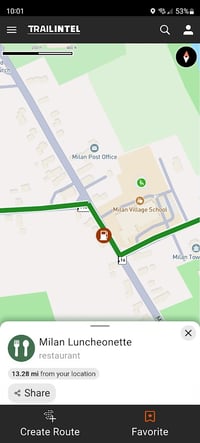
When you open the TrailIntel app and browse the map, you will see points of interest displayed on the map as icons. You can click any icon to see the details on the point, share it, save it as a favorite, or use it as the starting or ending point of a new route.
You can also click the magnifying glass in the top right corner to use the search function. You can type out a specific location to search for, or you can refine the results by category.
-png.png?width=200&height=439&name=articles%20(3)-png.png)
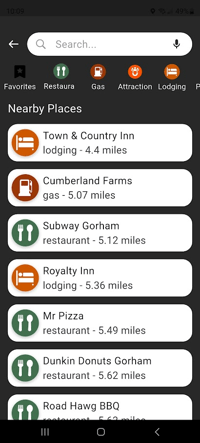
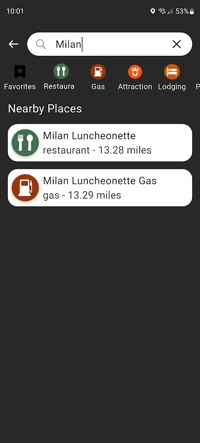
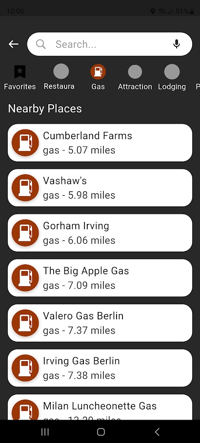
Filtering by category allows you to see all restaurants, fuel stations, etc. on the map, sorted by the nearest distance first.
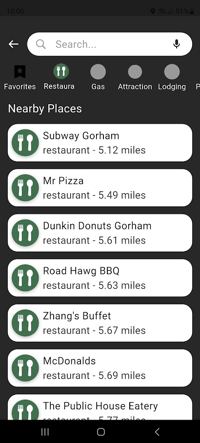
You can also select your Favorites to filter by locations you’ve saved to your profile, as well as another category if you’d like.
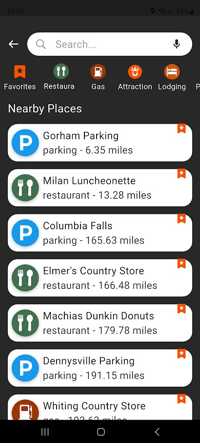
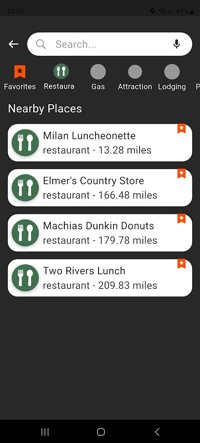
Selecting a point of interest from the list will open its location on the map, as well as options to share, favorite, or create a route to or from that point.