.png?width=800&height=160&name=Untitled%20(4).png)
If you come across a beautiful trail you'd love to ride again, a great parking spot to leave the trailer, or a lunch restaurant that needs (at least) one more visit, save it to your favorites for later!
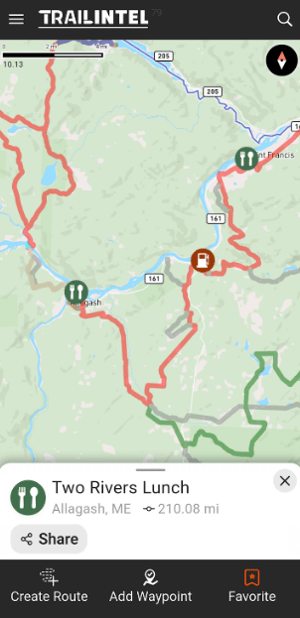
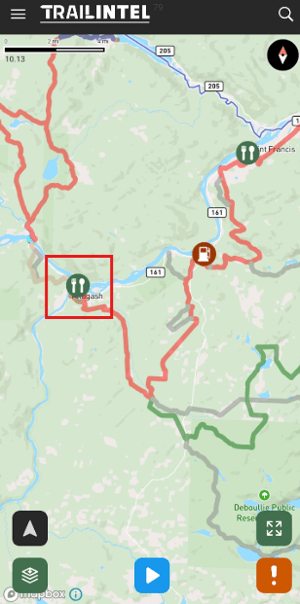
First, find the trail or POI you'd like to save. To select a POI, you can simply tap on it from the map view screen, or you can search for it.
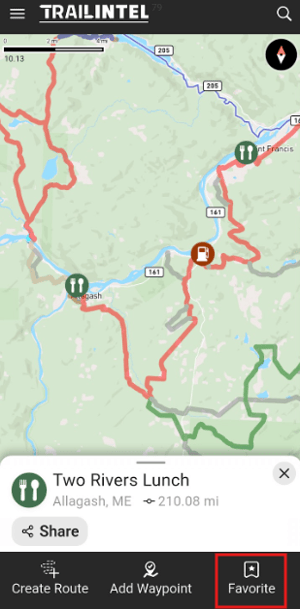
This will open a menu of options related to the POI:
-
Create Route - calculate a route to or from this location
- Add Waypoint - add your own custom waypoint at this or another location (opens a menu to select point, then add name and category/icon)
- Favorite - Save this POI to your favorites
When you click Favorite, it will become highlighted in orange to indicate it has been saved.
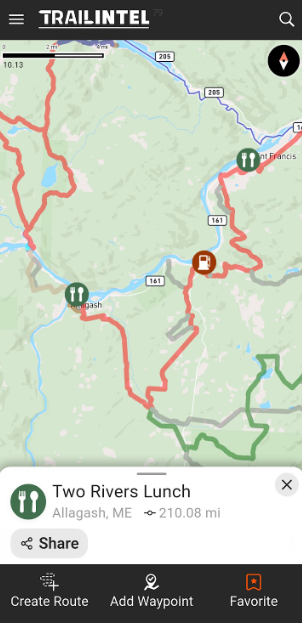
You can now search for this POI in your Favorites. Here, we also filtered by POI category.
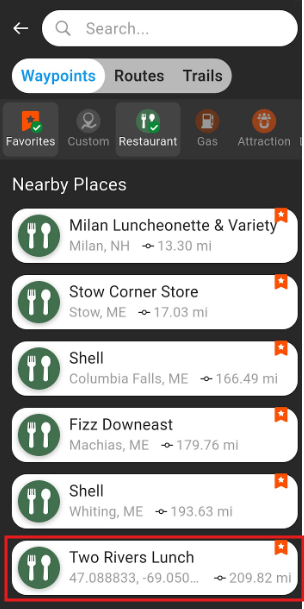
Clicking on the point from this list will bring up the same menu as before, with options to Create Route, Add Waypoint, or Favorite.