.png?width=800&height=160&name=Untitled%20(4).png)
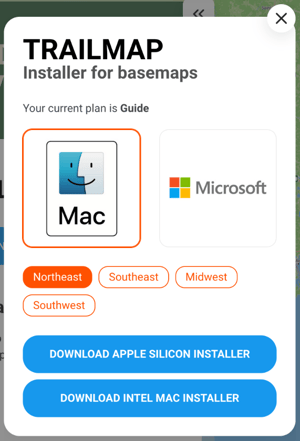
The TrailIntel Map Installer for Mac computers is produced in two versions. You determine which to download by the type of processor your Mac has.
To find this information, first click the Apple menu in the top left corner of your screen. From the dropdown menu, click "About This Mac".
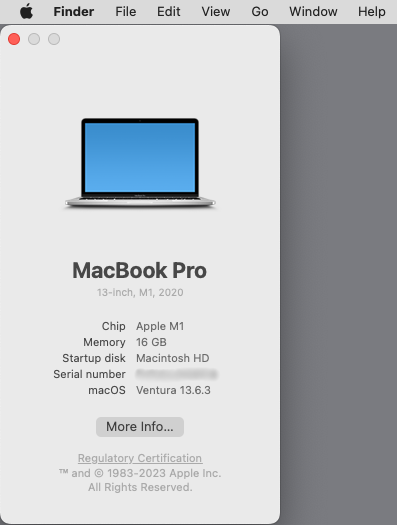
This will open a small pop-up menu with information about your computer.
If you see "Processor: Intel" - choose the Apple Intel installer.
If you see "Chip: Apple M1", "Chip: Apple M2", "Chip: Apple M3", "Chip: Apple M4", "Chip: Apple M5" - choose the Apple Silicon installer